How to Sit With Lower Back Pain: Practical Adjustments That Actually Help
If you spend most of your day in a chair and your lower back pays the price for it, small adjustments to how — and where — you sit can make a measurable difference in both comfort and long-term spinal health.
Why Sitting Puts the Lower Back Under Stress
Most people assume standing is far harder on the body than sitting, but the spine disagrees. According to Dr. James Wyss at the Hospital for Special Surgery, pressure on the lumbar discs — the shock-absorbing cushions between the vertebrae — can double or even triple in the transition from standing to sitting, especially if the posture is poor. Compound that over an eight-hour workday and it is easier to understand why prolonged sitting is linked to a 42% higher risk of developing lower back pain, according to research cited by Hinge Health.
The root issue is that sitting flattens the spine’s natural S-curve. In a neutral standing posture, the lumbar region curves gently inward — a curve called lordosis. When we slouch or sink into a soft chair, that curve reverses, stretching the posterior spinal ligaments and compressing the front of the discs. Over time, muscle imbalances develop: the hip flexors tighten and shorten while the core muscles that support the spine weaken from disuse. These factors together turn what should be a resting position into a source of chronic strain.
Getting the Chair Right
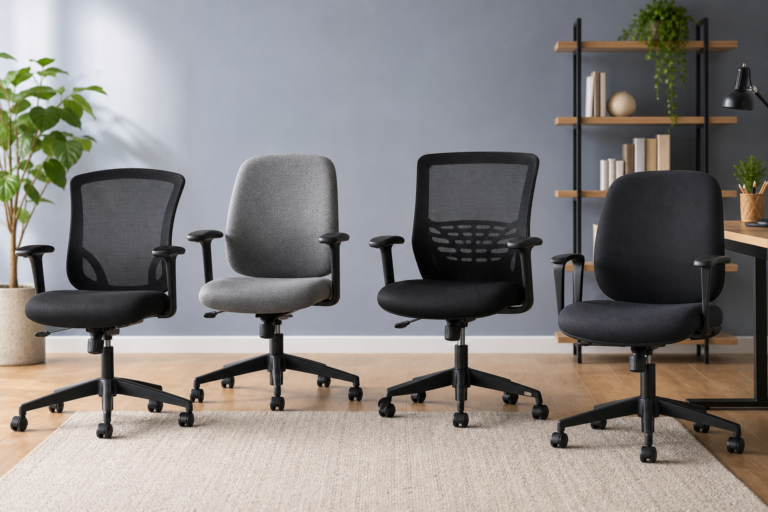
The first line of defense is a well-adjusted seat. You do not necessarily need an expensive ergonomic chair, but you do need one that can be tuned to your body. Here is how to work through the main settings:
Seat Height
Sit with your feet flat on the floor and your knees bent at roughly a right angle. A quick check: you should be able to slide your fingers easily under your thighs at the front edge of the seat. If your thighs press down too hard, the seat is too high; if there is far too much space, it is too low. Once the height is right, confirm that your elbows land at approximately 90 degrees when your forearms rest on the desk — your upper arms should hang close to vertical alongside your torso.
Seat Depth
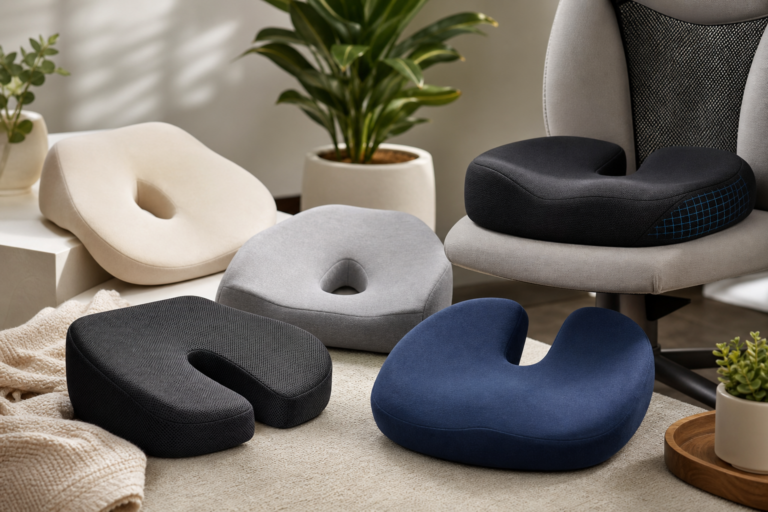
Scoot your bottom all the way back until it presses against the backrest. Now check the gap between the back of your calf and the front edge of the seat pan — you should be able to fit a clenched fist into that space. If the chair is too deep, you will naturally slide forward and lose lumbar contact. If your chair lacks an adjustable seat pan, a cushion or small lumbar roll placed behind your lower back can compensate.
Lumbar Support
This is the most critical adjustment for lower back pain. The lumbar spine has an inward curve, and sitting without support for it causes the lower back to round outward, slowly loading the discs and straining the surrounding muscles. Ideally, the chair’s lumbar pad should press gently into the curve just above the belt line — enough to maintain the natural inward shape without forcing an exaggerated arch. If your chair lacks built-in lumbar support, a rolled towel or a dedicated lumbar cushion placed in the small of the back works well. The Cleveland Clinic notes that actively maintaining this curve during acute lower back pain can meaningfully shorten recovery time.
Armrests
Set armrests so they just barely lift your shoulders — a gentle elevation, not a shrug. Armrests positioned too high push the shoulders upward and create neck tension; too low and you end up hunching forward to reach them. The goal is for your upper arms to feel lightly supported without the shoulders being raised or rolled forward.
Chair Firmness
Softer is not always better. A seat that is too plush allows the pelvis to tilt backward, which collapses the lumbar curve into a rounded C-shape. Cambridge University Hospitals NHS advises choosing firm cushioning to keep the pelvis properly oriented and the spine in a supported position throughout the day.
Body Position: The Details That Matter
Even a well-adjusted chair will not help much if your seated habits undermine it. A few positional cues make a real difference:
- Feet: Both feet flat on the floor, roughly hip-width apart. If they do not reach comfortably after you raise the chair to set your elbows correctly, use a footrest.
- Hips and knees: Both joints at roughly 90 degrees. Having the hips very slightly higher than the knees — achievable with a small wedge cushion on the seat — can further reduce lumbar loading.
- Pelvis: Tip it very slightly forward to preserve the lumbar curve rather than letting it flatten. Think of sitting on your sit bones, not rocking back onto the tailbone.
- Shoulders: Relaxed and level — not pinched together, not rolled forward.
- Head and neck: The ear should sit roughly over the shoulder when viewed from the side, not jutting forward toward the screen.
Workstation Setup: Making the Environment Match Your Posture
Even a sound seated position unravels if the desk and screen force you to compensate. Once your chair is dialed in, check these external factors:
Monitor Position
The center of your screen should align with your natural forward gaze — approximately at eye level when your head is neutral, or a few centimetres below. Screens that sit too low pull the head and neck forward, adding compressive load to the entire spine. UCLA Health advises positioning the screen so you can aim your gaze at its center without any chin tilting. Place the monitor roughly an arm’s length away.
Keyboard and Mouse
The middle row of the keyboard should sit level with your elbows, forearms roughly parallel to the floor. Keep the mouse close enough to use without reaching or stretching the arm forward, which rotates the shoulder and pulls the trunk out of neutral alignment.
Reference Documents
If you regularly consult printed materials, prop them in a document holder at the same height and distance as the screen. Repeatedly looking down at a flat desk surface adds cumulative neck strain that eventually radiates into the upper and lower back.
Sitting Positions to Avoid
Some common seated habits reliably aggravate lower back pain and are worth consciously eliminating:
- Slouching or leaning forward: The classic culprit. It flattens or reverses the lumbar curve, shifts body weight onto the front of the discs, and fatigues the spinal erector muscles over the course of the day.
- Sitting cross-legged in a chair: Research has found this position can elongate the piriformis muscle — a deep hip rotator lying close to the sciatic nerve — and create pelvic asymmetry that stresses the sacroiliac joint.
- One leg crossed over the other: This creates uneven loading across the pelvis and introduces a rotational force into the lumbar spine. Sustained over hours, it can promote muscle imbalances on either side of the spine.
- Sinking into a soft sofa or low chair: Soft, low surfaces force the lumbar spine into a deep rounded curve that is nearly impossible to counter through repositioning alone. A firm, high-backed chair with armrests is far preferable, particularly when managing acute pain.
Movement: The Adjustment That Outweighs All the Others
Every ergonomic setting has a ceiling — no static position, however well optimized, remains comfortable or spine-friendly for hours on end. Dr. James Wyss of the Hospital for Special Surgery describes taking regular movement breaks as probably the most helpful single thing anyone can do for sitting-related back pain. The human spine is designed for motion, and sustained static loading — even in a well-supported posture — gradually compresses the discs and fatigues the stabilizing muscles.
Practical targets: UCLA Health recommends standing, stretching, and walking for at least one to two minutes every 30 minutes. Cambridge University Hospitals NHS sets a firmer limit of one hour as the maximum any person should remain seated without changing position. Research from Penn State, cited by Hinge Health, found that simply switching positions every 15 minutes reduced lower back discomfort. Even small movements count — shifting your weight, doing a gentle spinal rotation, or standing to take a phone call all interrupt the static load pattern and give the lumbar structures a chance to recover.
FAQ
Can adjusting how I sit really reduce back pain, or do I need professional treatment?
For many people with non-specific or posture-related lower back pain, ergonomic adjustments make a genuine difference, especially when combined with regular movement breaks and some light strengthening exercise. That said, if pain is severe, radiates down a leg, follows an injury, or does not respond to conservative measures within a few weeks, it is worth consulting a healthcare provider to rule out structural causes such as a herniated disc or nerve compression.
How long should I sit before taking a movement break?
The evidence favors short intervals. Cambridge University Hospitals NHS recommends changing position at least every hour; the Cleveland Clinic advises limiting seated spells to just 10 to 15 minutes when recovering from acute lower back pain. A practical everyday target for most people is to stand or move for at least a minute or two every 30 minutes.
Is a separate lumbar roll worth buying if my chair already has built-in support?
Built-in lumbar support works well when it is correctly positioned for your height and proportions. If you find yourself arching away from the pad or feel no contact at all when sitting with good posture, a separate lumbar roll gives you more flexibility over exact placement. The key criterion is that whatever support you use maintains firm contact with the small of your back throughout the working day — not just when you first sit down.
Does a sit-stand desk help with lower back pain?
A height-adjustable desk lets you alternate between sitting and standing, which helps reduce sustained lumbar disc loading over the course of the day. However, standing for long periods without movement has its own drawbacks — fatigue and lower-limb discomfort being the most common. The goal is variety and regular movement, not simply trading one prolonged static posture for another.
Sources
- spine-health.com
- medicalnewstoday.com
- hingehealth.com
- uclahealth.org
- my.clevelandclinic.org
- hss.edu
- cuh.nhs.uk
- nortexspineandjoint.com